The Designer's Guide to AI Generation Tools: Finding Your Perfect Creative Match in 2025

The Reality Check: What AI Tools Actually Do (and Don't)
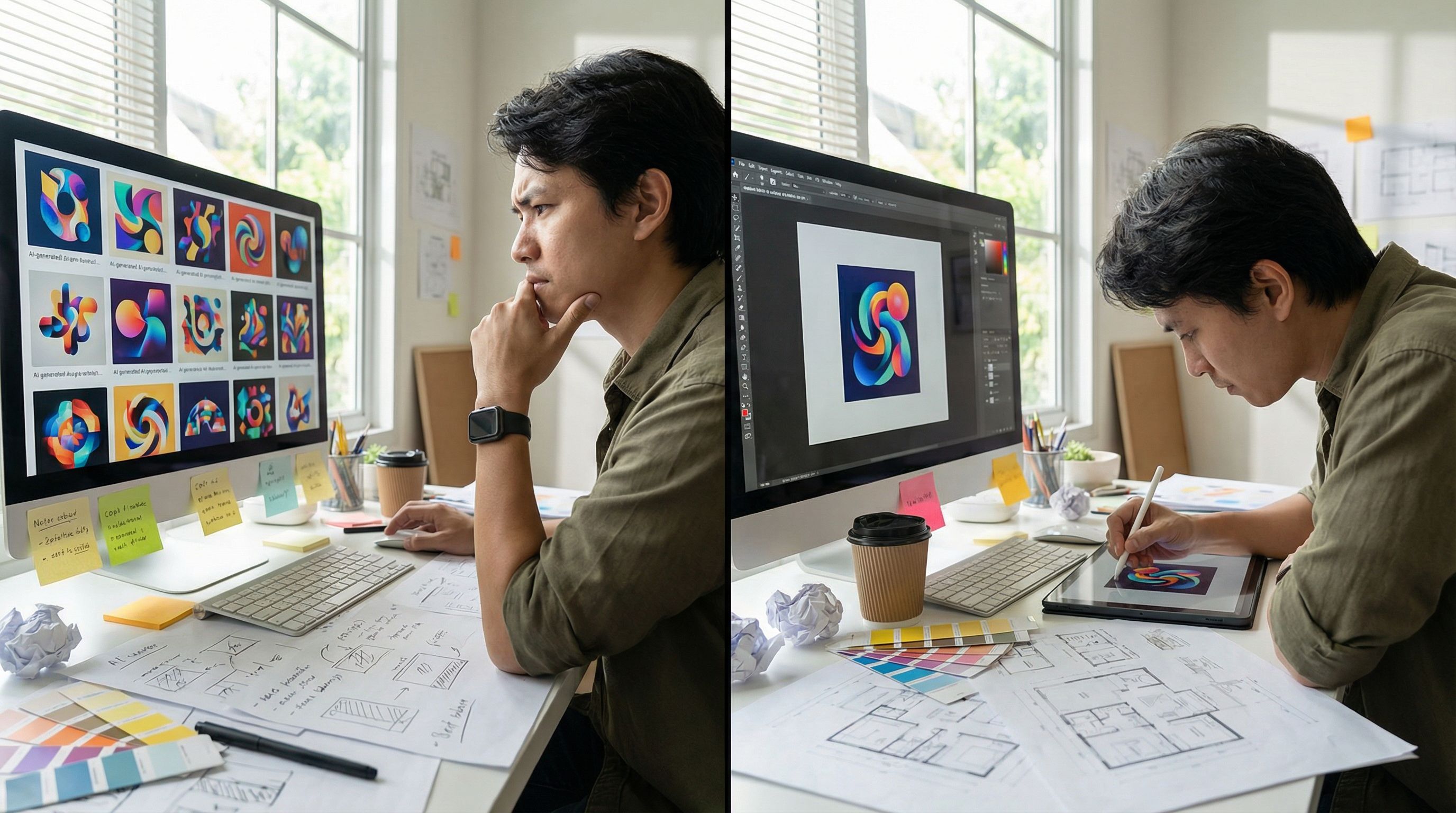
Let me be honest with you—AI generation tools have exploded over the past year, and the marketing hype doesn't match reality. According to Figma's 2025 AI Report, 78% of designers say AI makes them more efficient, but only 47% say it makes them better at their role. That 31-point gap? That's everything you need to know about where we are right now.
The tools themselves are genuinely impressive. You can generate stunning visuals, remove backgrounds instantly, upscale images intelligently, and iterate on color palettes without breaking a sweat. But here's what I've learned from experimenting with these platforms: AI is exceptional at handling peripheral tasks—background removal, image enhancement, quick color exploration—but it's still struggling with core design strategy and nuanced creative decisions.
When you're building a brand identity, establishing a design system, or solving complex visual problems, AI works best as your collaborator, not your replacement. Think of it like having an incredibly fast junior designer who's brilliant at execution but needs your human judgment to steer the ship. The designers and teams winning with AI right now understand this distinction. According to research on AI in design workflows, the most successful implementations happen when teams use AI to accelerate repetitive work while keeping human creativity at the strategic level.
One more thing: only 32% of designers currently trust AI output. That's not cynicism—it's realism. AI hallucinates details, misinterprets briefs, and sometimes generates technically beautiful designs that don't solve actual user problems. We need to test AI outputs rigorously, just like we'd critique work from any team member.
The Top Contenders: Midjourney, DALL-E, Leonardo, and Adobe Firefly
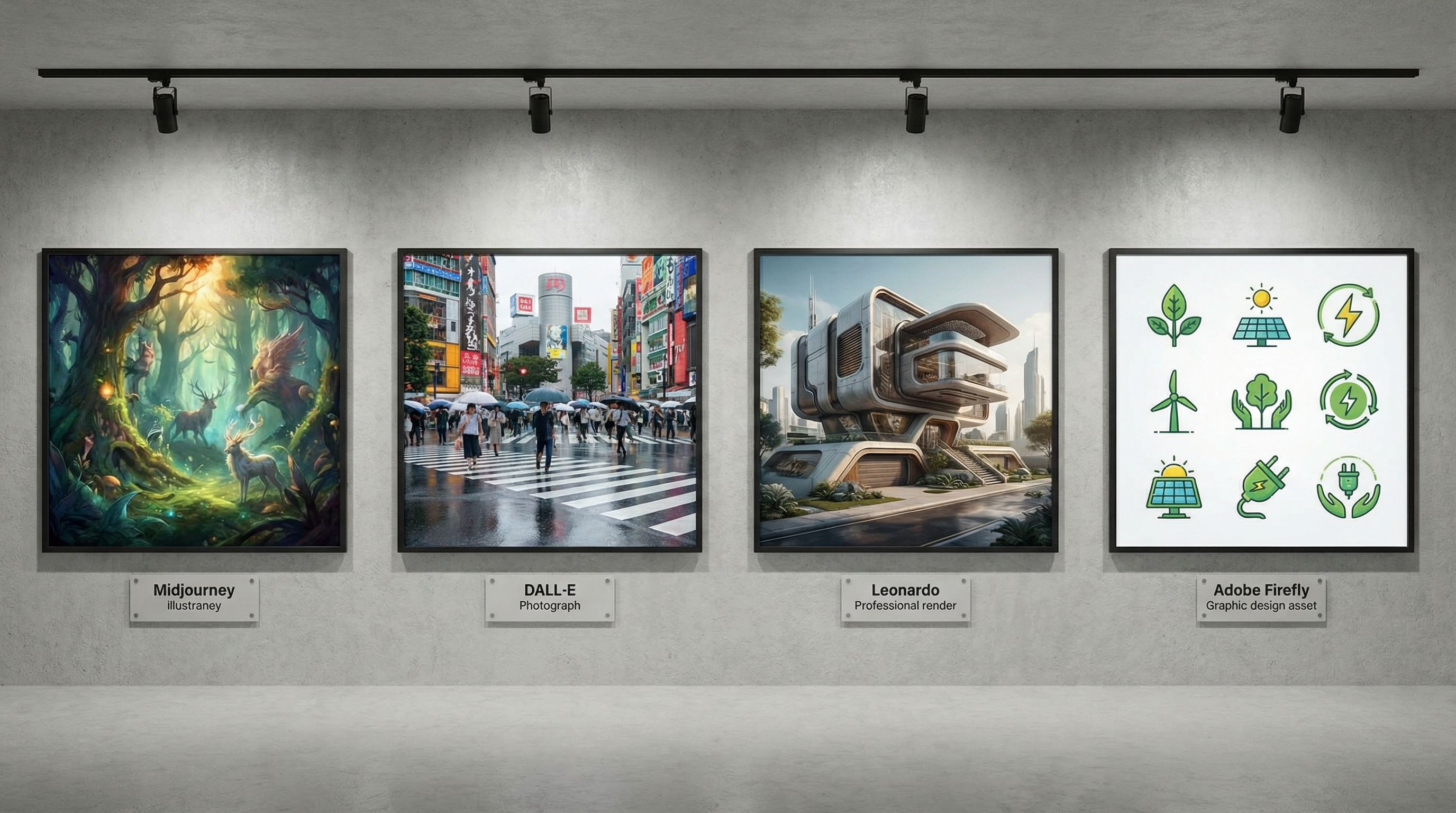
Let's break down the image generation heavy hitters that most of us are actually using.
Midjourney remains the aesthetic leader. If you're generating visual assets for mood boards, design explorations, or client presentations, Midjourney consistently produces beautiful, cohesive work. Its community-driven approach through Discord means you're learning alongside thousands of other creators. The subscription model ($12-120/month depending on usage) is straightforward, and the visual results lean artistic—which is perfect if you're doing brand exploration or looking for inspiration. The downside? It's less intuitive for precise control, and you'll spend time iterating on prompts before nailing the look you want.
DALL-E 3 (integrated into ChatGPT) has become surprisingly practical for working designers. You get natural language understanding—describe what you need conversationally, and it usually gets it. The free tier limits your monthly generations, but the integration with ChatGPT means you can iterate quickly in the same conversation. I use this most often for rapid exploration and client-ready assets. Adobe Firefly sits somewhere in the middle—it's native to Creative Cloud (which matters if you're already deep in that ecosystem), and it offers exceptional customization options for aspect ratio, composition, effects, and style. If you're using Photoshop or Illustrator already, Firefly integrates seamlessly.
Leonardo AI is the professional's dark horse. It gives you serious control over generation parameters, and according to the best AI image generators comparison for 2026, it's particularly strong for professional tools and editing features. You can refine colors, adjust lighting, control camera angles—it's got depth. The learning curve is steeper, but once you understand how to shape your prompts with specific parameters, you can generate highly consistent visual assets. This is what I recommend to designers who want control without wanting to learn three different interfaces.
Platform Integration Tools: Figma AI and Canva Magic Design
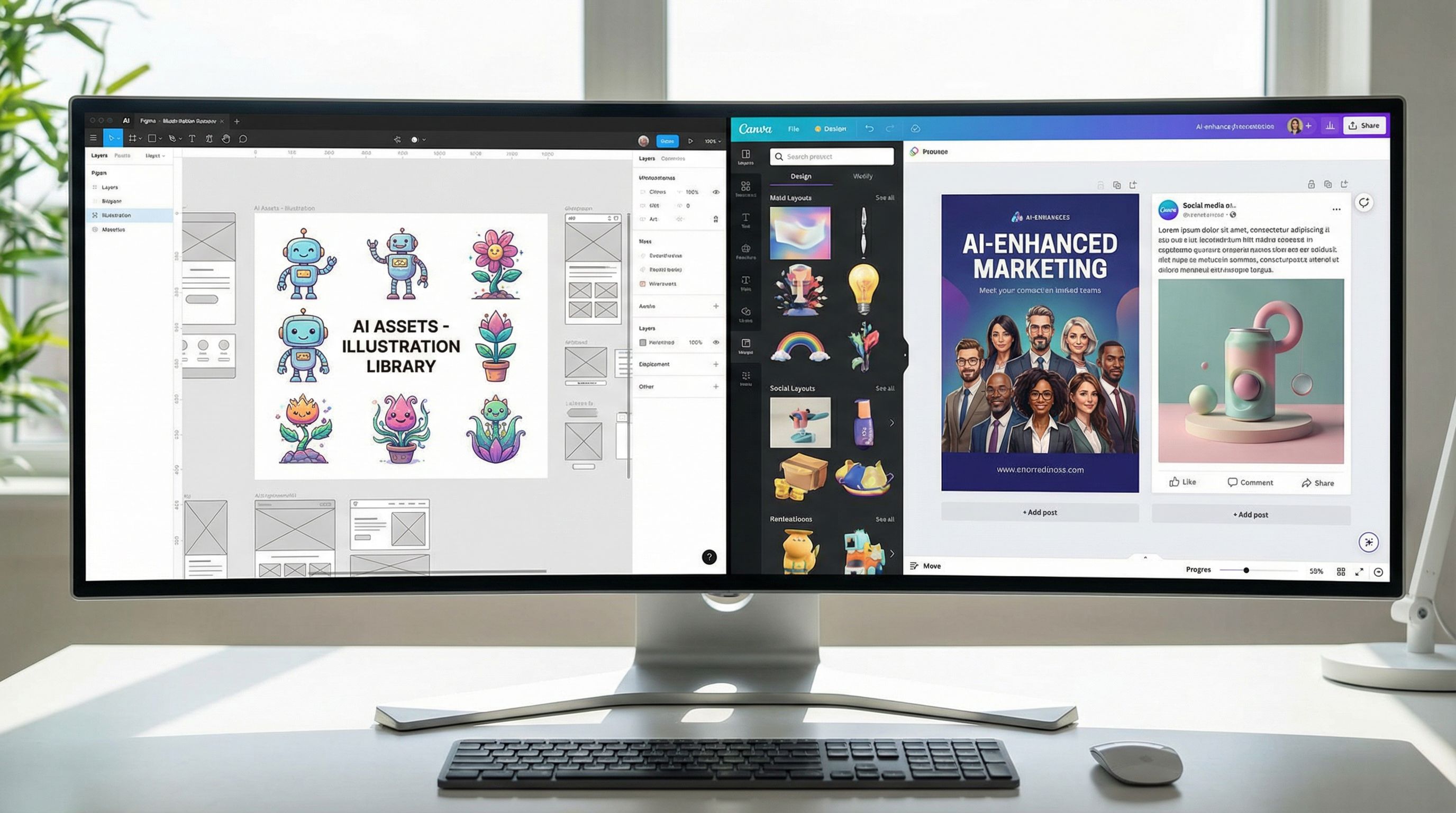
Here's where practical reality meets workflow efficiency. Most of us aren't starting fresh in Midjourney or DALL-E anymore—we're working inside the tools we already use daily.
Figma AI has changed how design teams approach prototyping and iteration. Figma's 2025 AI Report highlights that AI adoption is deepening across design workflows, though there's still that quality perception gap I mentioned. What Figma AI does brilliantly: generate illustrations from prompts directly in your canvas, remove backgrounds, adjust images intelligently, and suggest design variations. You're not context-switching to another tool—everything happens where you're already working. For teams, this is huge. You're reducing tool sprawl and keeping AI-generated assets directly linked to your design system.
The limitation? It's still handling peripheral tasks mostly. You won't be generating your entire hero section from a prompt, but you'll absolutely generate hero images, illustration assets, and rapid variations on existing designs. And with Figma's new features at Config 2025, including Figma Make (prompt-to-code capability) and Figma Draw (reimagined drawing tools), the integration is getting smarter.
Canva Magic Design serves a different audience—and I mean that without judgment. If you're designing quickly for social media, marketing materials, or need accessible design tools for teams without professional training, Canva's AI is invaluable. It generates entire layout suggestions, automatically resizes designs for different platforms, and handles most of the technical heavy lifting. The downside is creative control; you're working within Canva's design systems rather than fully customizing. But for rapid content creation, marketing collateral, and accessible design democratization, it's genuinely excellent.
What recent design tool comparisons show is that integration matters more than raw capability now. Teams want AI inside their existing workflows, not as a separate destination. That trend is only going to accelerate.
Specialized Tools and Emerging Players: Khroma, Looka, and nex.design
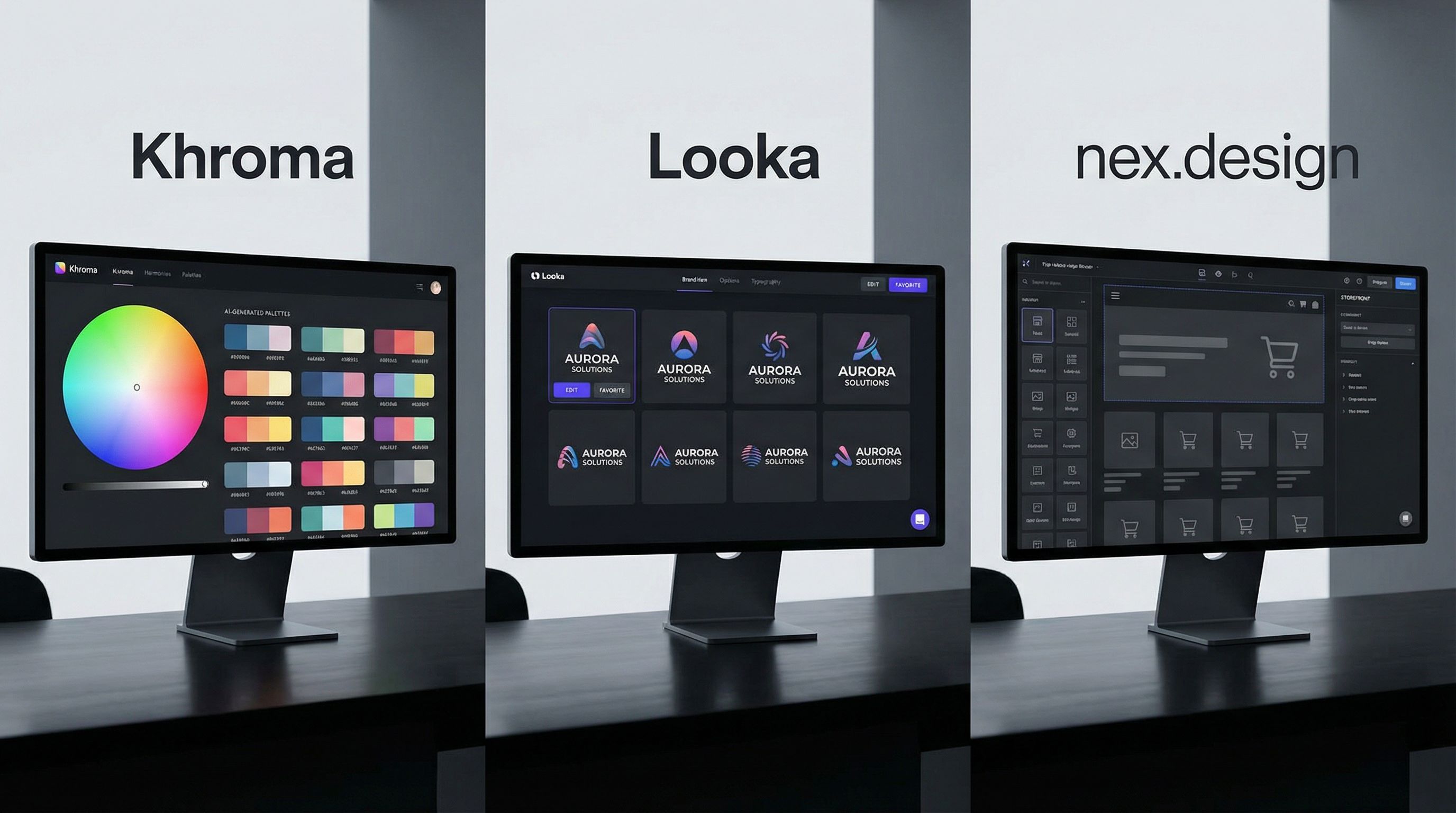
As AI becomes table stakes in design, we're seeing specialization. Tools aren't trying to be everything anymore—they're becoming exceptionally good at one thing.
Khroma is pure color strategy. Upload your favorite colors or design preferences, and it generates infinite color palettes based on your aesthetic. For designers drowning in Pantone books and searching for the perfect complementary colors, this saves hours. I use it every time I'm establishing brand color systems or exploring new palettes for seasonal campaigns. It's inexpensive, focused, and incredibly useful.
Looka focuses entirely on logo generation and brand asset creation. If you need rapid logo concepts for client pitches or exploring brand directions before committing to paid design work, Looka handles this without pretending to be a full design suite. It knows its lane and owns it.
nex.design represents an interesting emerging direction—AI designed specifically for e-commerce and design teams working at scale. According to research on nex's positioning, it's built as an AI ads design agent for e-commerce sellers and brands, focusing on generating outcomes rather than just content. What differentiates nex is the emphasis on real business results—conversion-focused design rather than just aesthetic generation. If you're in e-commerce or running design systems for teams, nex's approach to outcome-driven design generation is worth exploring. It's particularly strong for teams needing rapid iterations on ad designs and marketing assets.
The broader trend with these specialized tools: AI is moving toward depth rather than breadth. You're picking the right tool for your specific problem rather than expecting one platform to solve everything. That's actually healthier for the design industry.
Building Your AI Design Workflow: Practical Integration Steps
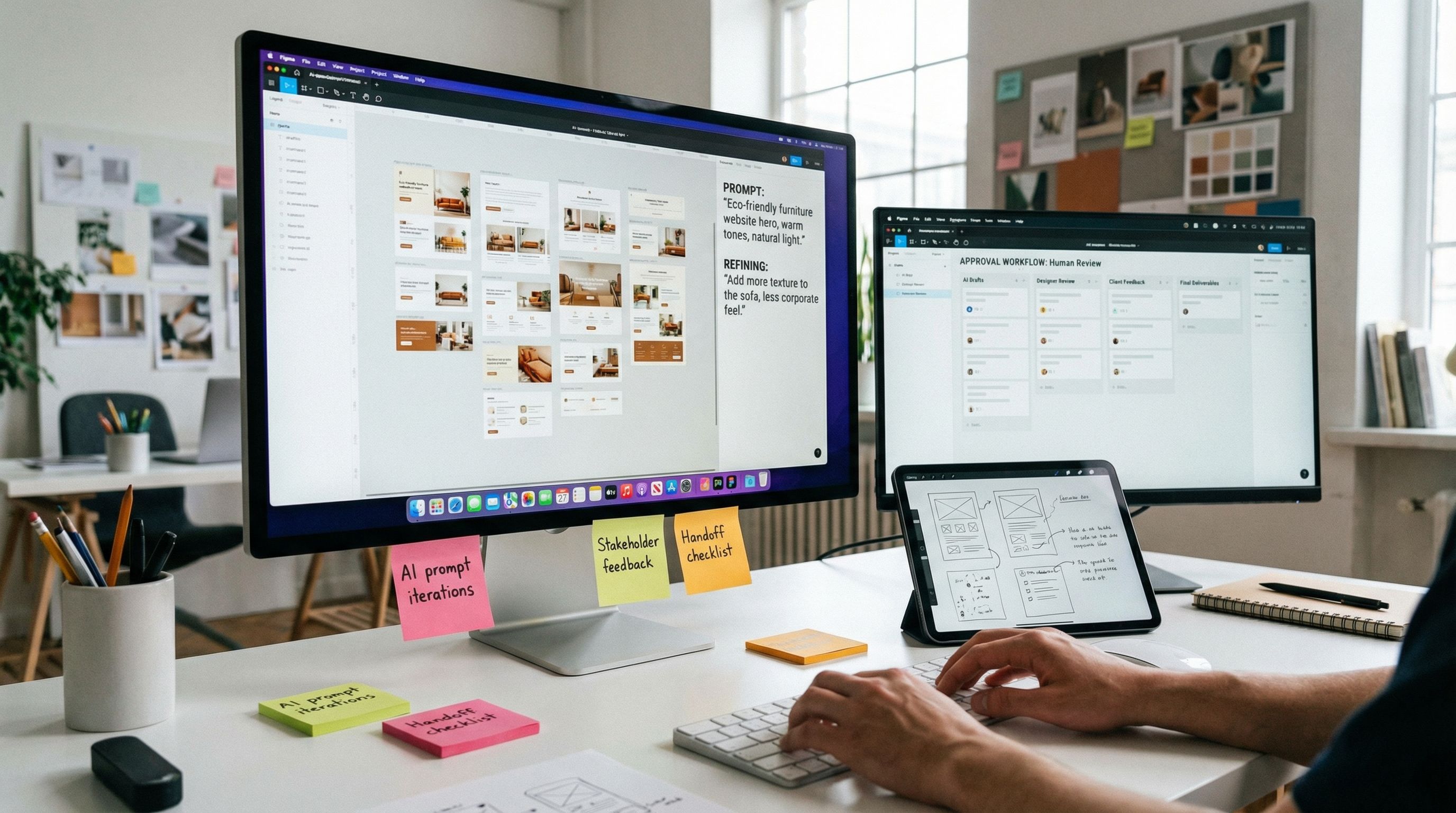
Here's what I actually recommend when designers ask how to integrate AI without losing creative control or becoming dependent on it.
First: Define where AI fits in your specific process. For me, that's background removal, image enhancement, rapid exploration at the concept phase, and variation generation on approved designs. Those are my AI tasks. Strategic decisions, typography choices, layout systems, and anything touching user experience? That stays human-driven. According to designers working successfully with AI, the key is intentionally placing AI where it helps and keeping human judgment where it matters most. It's workflow architecture.
Second: Test ruthlessly before using AI output for real deliverables. Generate ten variations and evaluate them with the same critical eye you'd use for human work. Does this actually solve the design problem, or just look nice? Does it align with the brand voice and strategy? This discipline prevents releasing AI-generated work that looks pretty but doesn't perform.
Third: Stay close to tools that integrate with your existing workflow. If you live in Figma, use Figma AI. If you're designing for social and marketing, Canva makes sense. Don't adopt tools just because they're trendy—adopt them because they reduce friction in your actual process. Context-switching is a creativity killer.
Fourth: Invest in learning to prompt effectively. This isn't "creativity is dead"—this is a genuine new skill. Learning to write clear, specific prompts that get you toward your vision 80% faster than starting from scratch is valuable. It's like learning to brief yourself better. The prompts that work best include specific style references, mood descriptors, technical specifications, and exclusions (what you don't want). "Warm and inviting logo with geometric shapes, art deco influence, primarily blues and coral" beats "cool logo" by miles.
Fifth: Remember that 85% of designers surveyed by Figma say learning AI skills is essential to their future success. But the designers winning aren't the ones treating AI like magic—they're treating it like a new tool that requires skill development and integration into existing practice. That's how you stay relevant without losing what makes you good at design.
The Honest Verdict: Choosing Your Tools
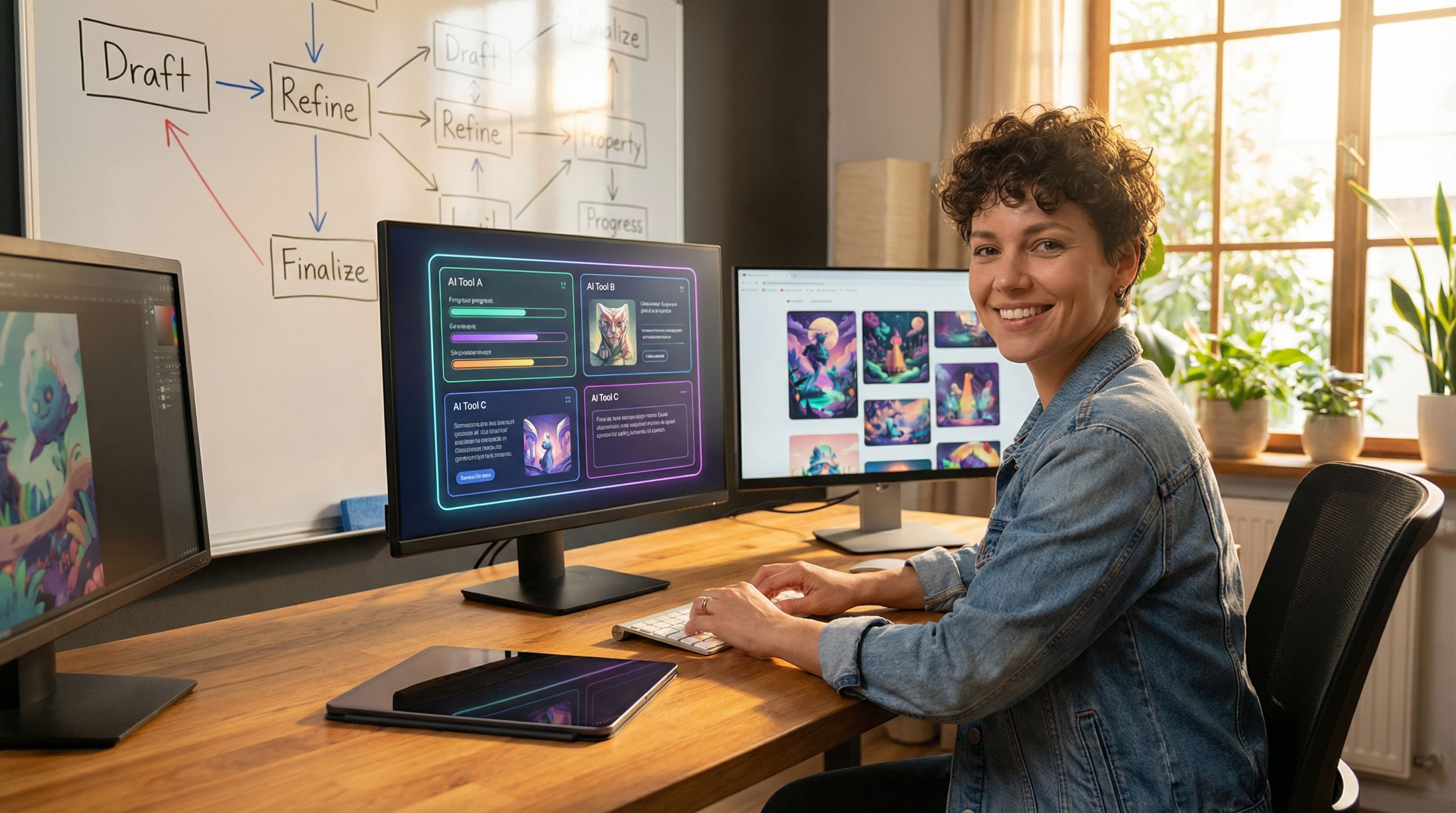
After testing these tools extensively and watching hundreds of designers use them, here's my honest assessment.
Choose Midjourney if: You're generating conceptual artwork, mood boards, or visual inspiration. You want beautiful, artistic output and don't mind iterating on prompts. You're okay paying a subscription and working in a Discord community.
Choose DALL-E 3 if: You want quick, practical asset generation with minimal learning curve. You're already using ChatGPT and want seamless integration. You need realistic, client-ready images fast.
Choose Leonardo AI if: You care about control and consistency. You're generating assets for a design system or brand where precision matters. You're willing to learn the tool deeply.
Choose Figma AI if: You're a product designer or design team working in Figma. You want AI integrated into your design system workflow, not as a separate tool.
Choose Canva if: You need accessible design tools for teams without professional training. You're creating marketing and social content at volume.
Choose specialized tools (Khroma, Looka, nex.design) if: You have a specific problem they solve exceptionally well. Don't use a general-purpose tool when a specialized one exists.
The real future isn't about picking one AI tool—it's about building a coherent workflow where AI handles what it's good at, and you maintain complete control over strategy, taste, and execution. According to the latest research, 75% of successful AI products came from teams with tight design-development collaboration. That means staying involved, testing thoroughly, and keeping human judgment central.
AI won't replace designers. But designers who understand AI will absolutely replace those who don't. The question isn't whether to use these tools—it's how to use them in a way that amplifies your strengths rather than replacing them. Master the tools, stay critical of outputs, and keep designing intentionally.